Add a video
Chapter 1
IN THIS LESSON
DJ Equipment Overview.
In this lesson, we will discuss the essential equipment every DJ needs to know in order to create and mix music.
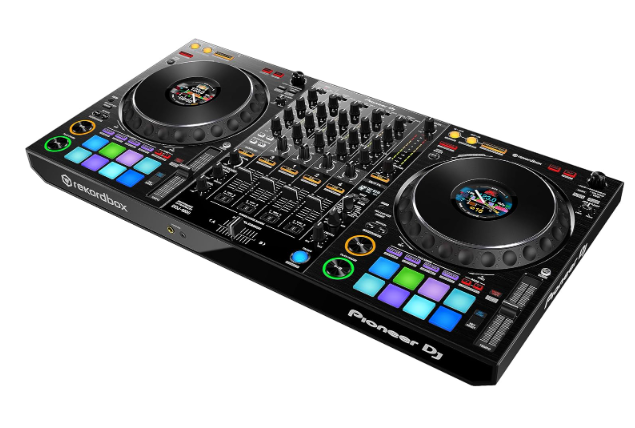
Decks, Mixers and Controllers
There are multiple options when it comes to DJ hardware. As you progress through your DJ career you will become familiar and comfortable on a wider range of equipment. Most start off with a single unit DJ controller (or Decks), which allows you to manipulate and control the music tracks from one piece of hardware supported by a laptop. After building confidence on a controller, DJ's progress to using CDJ and mixer set ups. CDJ's and a mixer are the club and event industry standard (that is not to say that you cant use your DJ controller in a professional setting.
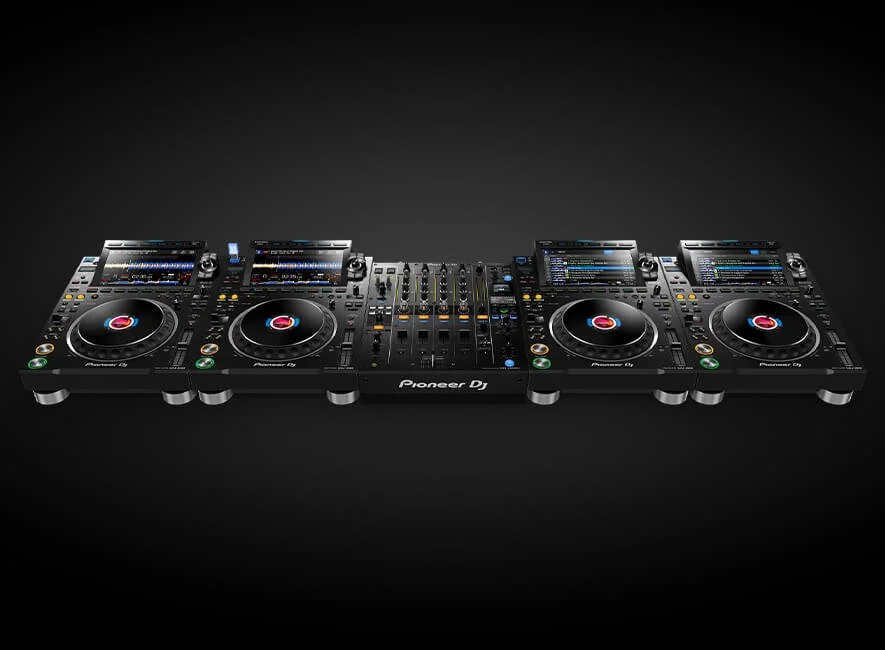
CDJ and mixer set up
A CDJ and Mixer set up is made up of multiple stand alone units. Each deck plays one track at a time. The decks feeds the audio to the mixer and the mixer feeds the audio to the the sound system. Each Deck (CDJ) is assigned their own channel within the the mixer. The mixer can host up to 6 Channels, meaning they can host up to 6 CDJ's. Both the Decks and the mixer can manipulate the track in different ways. The Dj plugs their USB stick into one Deck and uses the "link function" to load that their playlists across all the decks. Each Deck can have one USB in at any stage and the DJ can decide which USB stick they want to source there music from. The Decks and mixer are linked by a central link hub (this is often not something for the DJ to worry about as the venue sound technician will install the central link hub...but it is important the DJ understands how this works.)
4 x PIONEER CDJ3000'S and a DJM 900 mixer
For the purpose of this course we will be focusing on Pioneer products powered by Rekordbox. Pioneer/ Apha Theta CDJ's powered by Rekordbox are the industry standard and what you can expect to find in DJ booths and on stages at all levels around the world. Do not worry if you are using other products (such as Serato or Denon) as all the information learned here is transferable to these set ups.
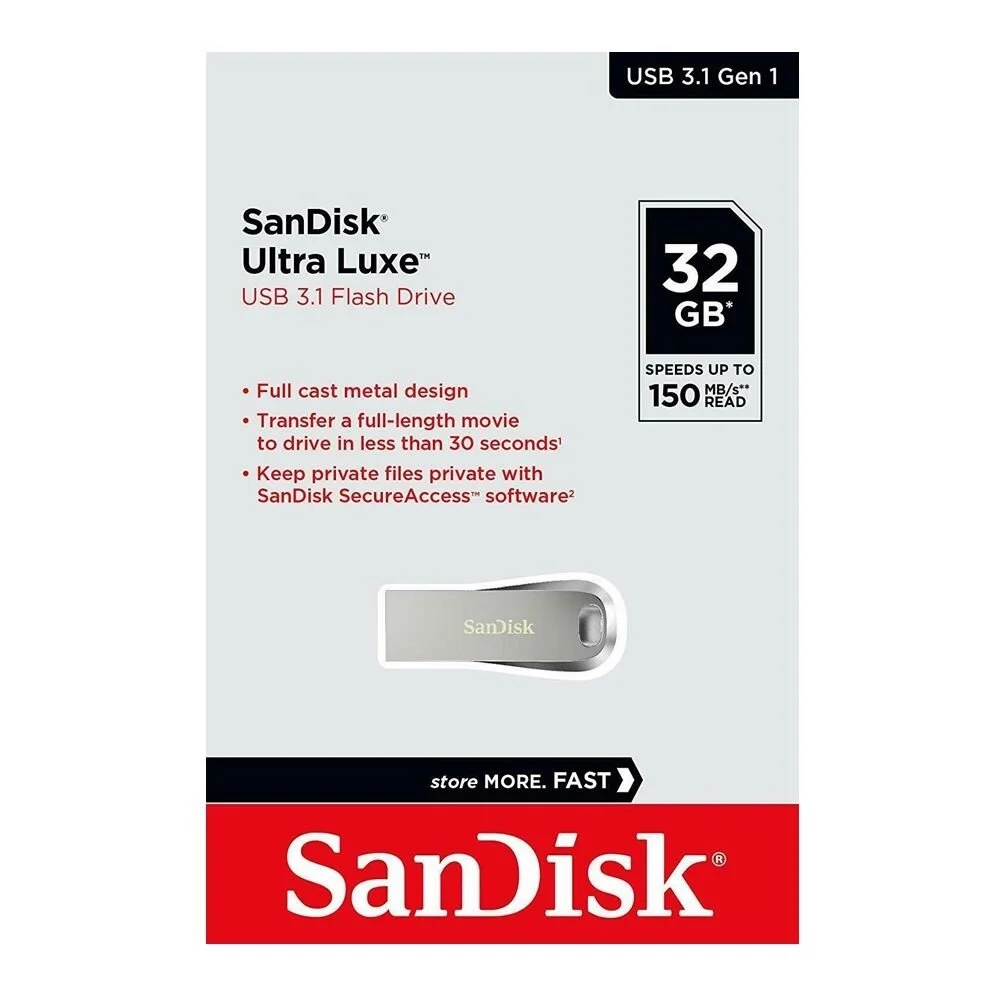
USB Sticks
USB sticks, for transferring your music between devices and hardware. Think of your USB stick as your music wallet, (most DJs carry a USB stick every where they go. We recommend the Sandisk USB stick pictured below. If this USB stick is not available in your area, find something similar with a fast processing speed. Cheap and nasty USB sticks can fail and leave the DJ in a very awkward emergency loop DISASTER (I've been there, its not fun)
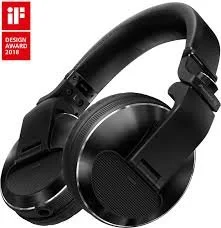
Headphone's
Headphone's are an essential for every DJ. This tool allows the DJ to listen to other tracks that aren't being played over the sound system, Before the are bought into the mix. essential for cueing music, beatmatching, key matching and giving the DJ confidence that there mix is going to sound professional. Although the Decks are usually provided at a club or festival, each DJ is required to bring their own set of headphones. Noise cancelling functions are essential on DJ Headphones. The Pioneer HDJX10 are a great pair of headphones or the Pioneer HDJX7 are also a good more affordable option.
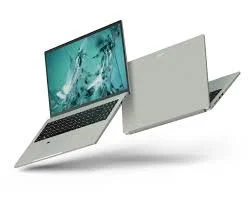
Laptop
A laptop is key for every DJ to own. This is where the software is installed for the DJ to download and Analyze and export music to a USB stick. Most DJs will also own a controller at home which is powered by the laptop. A laptop is preferable to a desk top so the DJ can take their laptop with them and make adjustments to their set any time, any place.
Our downloads have everything you need to supplement this course.